 MacPorter for Mac
Your Windows Steam library, on your Mac.
MacPorter installs the real Windows Steam client on Apple silicon and runs Windows games from it. No virtual machine, no Rosetta, no Windows licence.
- Steam and each game open as Mac apps of their own, in the Dock and app switcher
- Direct3D games draw through Metal at Retina resolution
- Set up in under a minute, with no Terminal and no Homebrew
The Steam you know. Running on macOS.
Store, Library, friends and downloads all work as they do on a PC.
Up and running in three steps
MacPorter does the setup. You sign in and play.
Download and open
Drag MacPorter to Applications and open it. It checks your Mac is Apple silicon before doing anything.
Let it set up Steam
The engine installs, a Windows environment is created and Valve's Steam installer runs. About 45 seconds on an M2.
Sign in and play
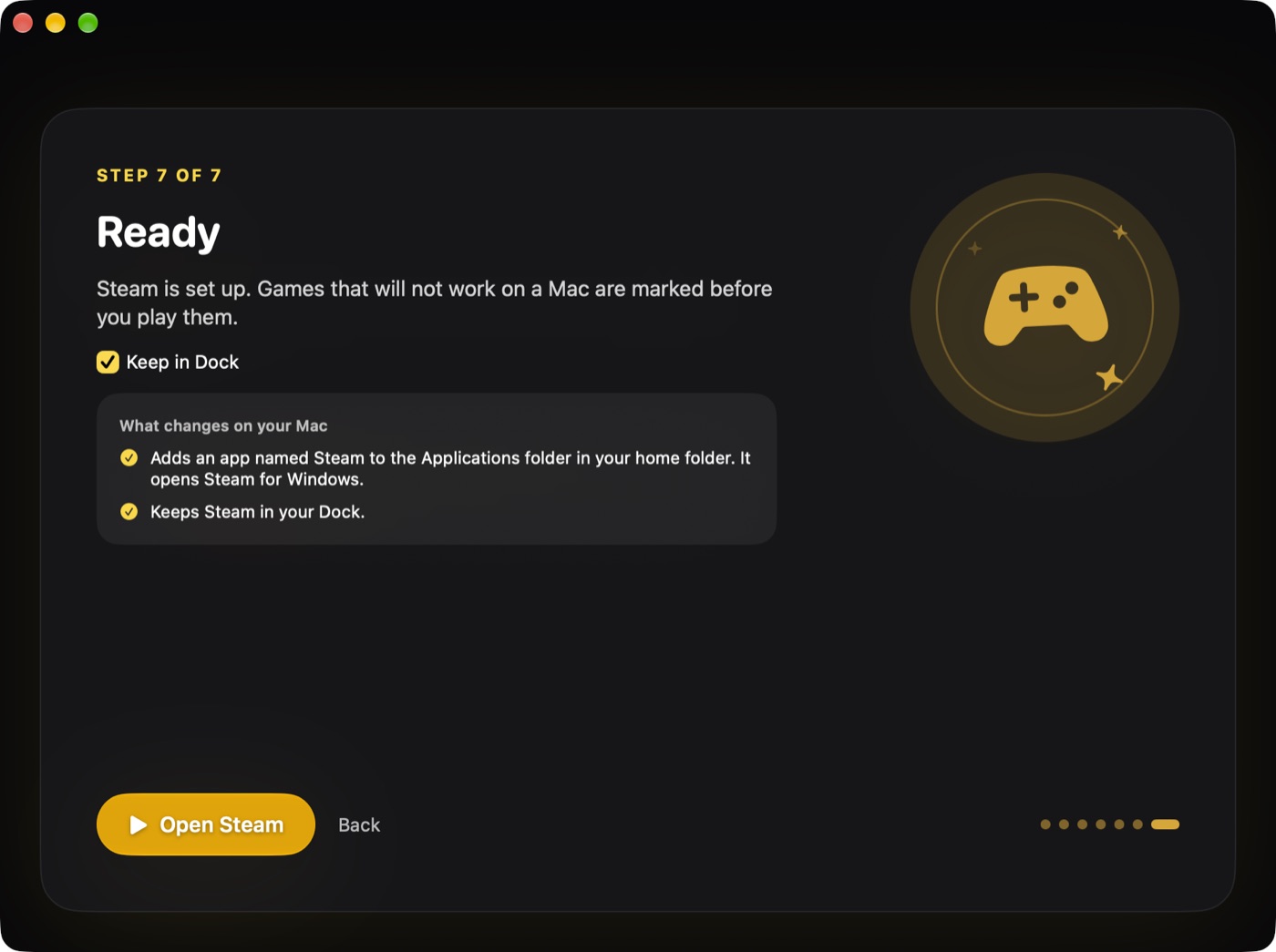
Open Steam from your Applications folder, sign in with your own account and install games from your library.
Built for Apple silicon from the ground up
Every part of the engine is compiled for arm64. Nothing runs through Rosetta.
No virtual machine
Wine and FEX translate Windows calls and x86 code directly, so games get the whole Mac.
Metal graphics
DirectX 11 is translated to Metal through DXMT for smooth, native rendering.
Real Mac apps
Steam and each game get their own Dock icon, menu bar and Game Mode.
Anti-cheat guard
MacPorter warns you before launching games whose anti-cheat would block or ban a non-Windows PC.
Always up to date
Steam updates itself as usual, and the engine and compatibility list update with MacPorter.
Your account, your games
You sign in to Valve directly. MacPorter never sees your password or touches your library.
Free trial or full licence
Start with the trial. Your setup carries over when you buy.
| What you get | Free trial | Licence |
|---|---|---|
| Windows Steam client | ✓ | ✓ |
| Run Windows games | ✓ | ✓ |
| Engine and compatibility updates | ✓ | ✓ |
| Email support | – | ✓ |
| Time limit | 14 days | None |
| Price | Free |
System requirements
Guides
Straight answers about Windows games on Apple silicon.
Play Windows Games on Mac: Steam on Apple Silicon
How to play Windows Steam games on a Mac with Apple silicon: the options, what works, what does not, and how MacPorter runs the real Steam client.
Install Windows Steam on Mac: Step-by-Step Guide
Learn how to install the Windows version of Steam on an Apple silicon Mac, step by step, including requirements, sign-in, limits and what to expect.
Anti-cheat on Mac: Easy Anti-Cheat, BattlEye and bans
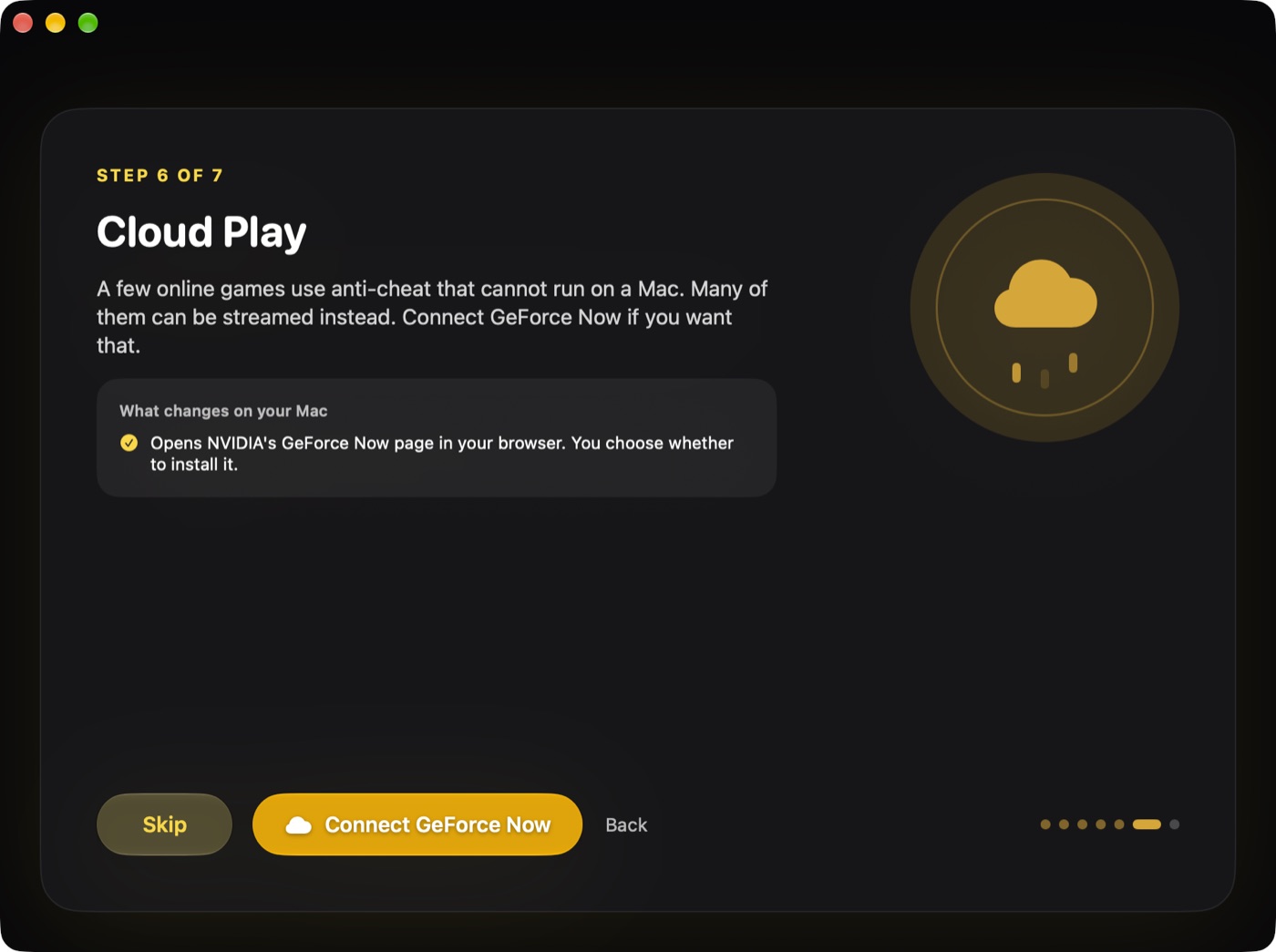
Why Easy Anti-Cheat and BattlEye games often will not launch on a Mac, whether you can get banned, and what to do instead, including cloud options.
MacPorter vs CrossOver: Steam on Mac Compared
Looking for a CrossOver alternative for Steam on Mac? A fair comparison of MacPorter and CrossOver: scope, setup, hardware, pricing model and limits.
MacPorter vs Parallels Desktop for Mac Gaming
Parallels runs full Windows 11 in a VM. MacPorter runs Windows Steam without one. A fair look at setup, cost, memory, anti-cheat limits and who each suits.
Whisky Alternative for Mac: What to Use Now
Whisky development stopped in 2025. Here is what that means, and which Mac alternatives exist for Steam and Windows games, including free and paid options.
Questions
Will every Windows game work?
No. Most DirectX 11 games run, but games with kernel-level anti-cheat (for example many competitive shooters) refuse to run on anything other than Windows, and VR is not supported. MacPorter warns you before you launch one of these. Try your games in the free trial before buying.
Do I need to buy my games again?
No. You sign in with your own Steam account and play the Windows games you already own.
Is MacPorter made by Valve?
No. MacPorter is an independent app and is not affiliated with or endorsed by Valve. Steam is a trademark of Valve Corporation.
How does payment work?
Checkout is handled by Yoco, a South African payment provider. Card details go to Yoco and never reach us. Your licence belongs to your email address: you sign in to MacPorter with it, on up to three Macs.
Can I get a refund?
Yes. If MacPorter does not work for you, refund it yourself on your account page within 14 days of buying, no questions asked. See the terms.
Why isn't it on the Mac App Store?
The App Store doesn't allow apps that run downloaded Windows software, which is what MacPorter does. The download here is signed with an Apple Developer ID and notarised by Apple, so macOS opens it normally.